Recently, I started studying for the AWS Certified Solutions Architect – Associate.
The first topic was AWS Identity and Access Management (IAM), which is one of the most fundamental security services in AWS.
What is IAM?
It allows you to securely manage access to AWS services and resources.
IAM Users
It represents an individual identity that can sign in to AWS. For my AWS environment, I created an IAM user called ‘miya-admin’.
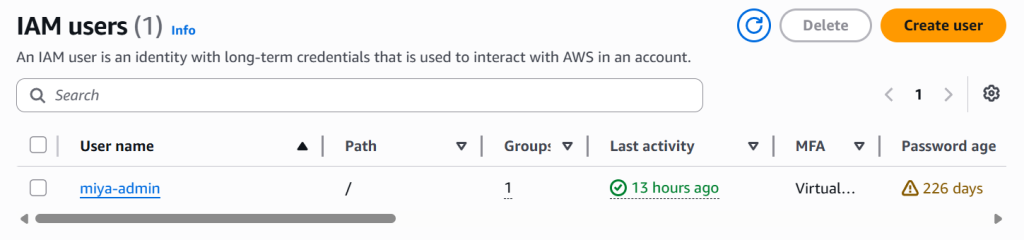
(I need to change my password..)
IAM User Groups
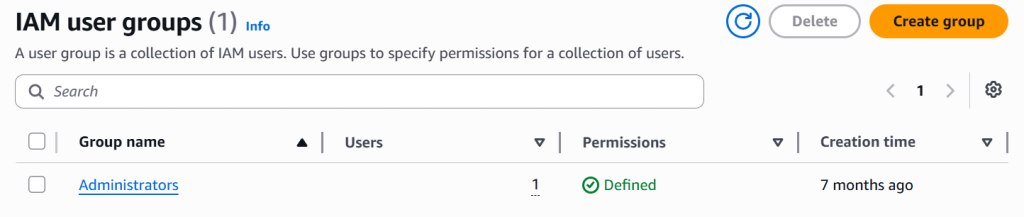
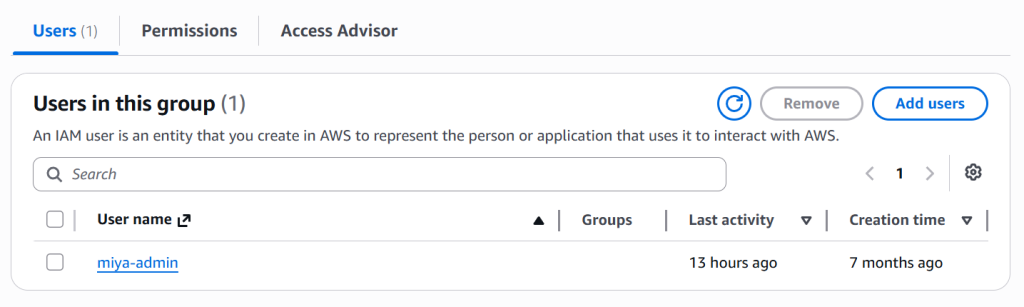
When clicking Administrators, my IAM user, miya-admin is part of this group.
IAM Policies
It defines permission. In my current setup, my IAM user has these 2 policies.
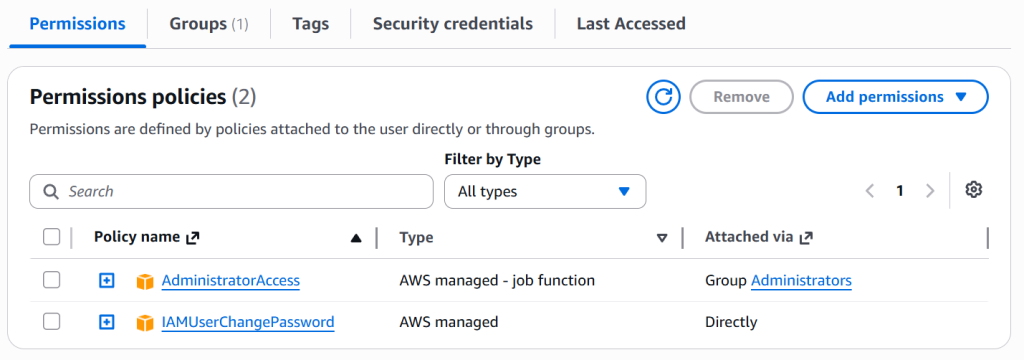
This gives me full admin access while allowing me to manage my own credentials.
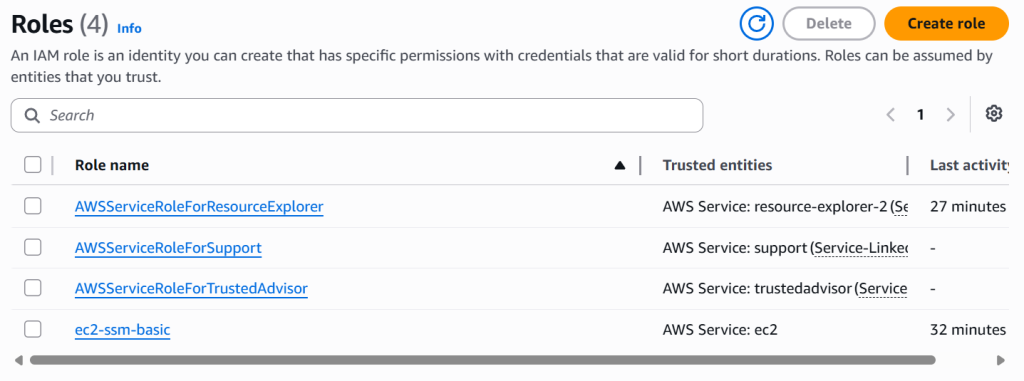
IAM Roles
This concept confused me the difference between Policies and Roles.
- Policy -> What permissions are available
- Role -> A way to temporarily assume those permissions
Instead of storing AWS credentials on a server, AWS recommends assigning a Role to the EC2 instance. This allows applications to securely access AWS services without exposing access keys.
Multi-Factor Authentication (MFA)
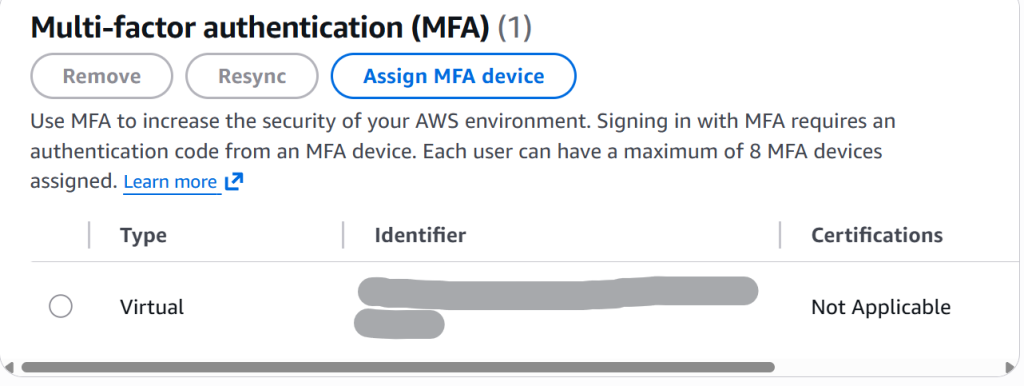
It adds an additional layer of protection by requiring:
- Something you know (password)
- Something you have (authentication device)
AWS strongly recommends enabling MFA on both root account and IAM users. This significantly reduces the risk of unauthorised access.
Password Policy
Another way to protect IAM users is set password policy.
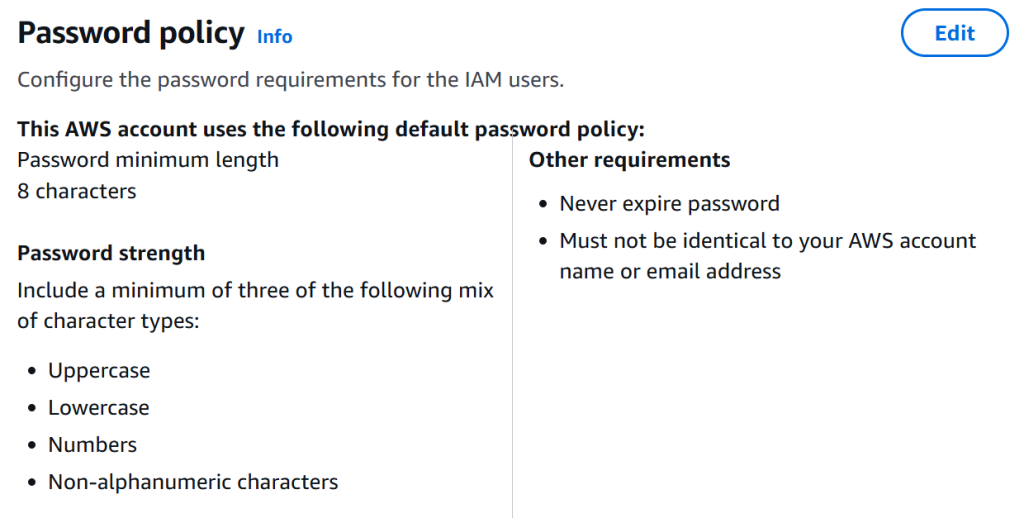
(I set password never expire)
Access Keys
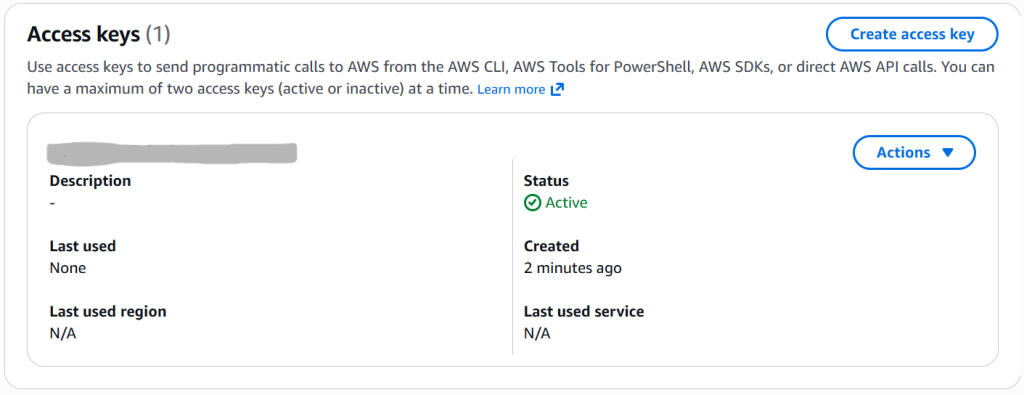
It allows applications and command-line tools to authenticate with AWS services without requiring interactive login through the AWS Management Console.
An Access Key consists of:
- Access Key ID
- Secret Access Key
I created an access key for my IAM user (miya-admin).
AWS Command Line Interface (CLI)
It allows users to manage AWS resources directly from the command line.
CLI becomes especially powerful when combined with Bash scripts and automation. Before learning AWS CLI, all of my AWS interactions were performed through the AWS Management Console. I am excited to use this service.
CloudShell
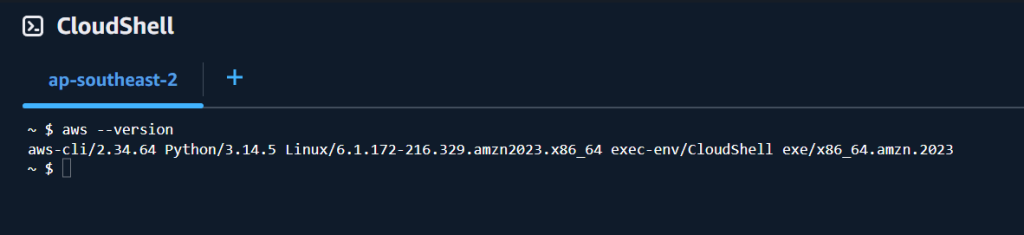
It provides a convenient environment for executing AWS CLI commands without installing software locally.
It was intersting to learn that because at first, I assumed CloudShell was similar to an EC2 instance. After further study, I realised they serve different purposes.
EC2
- Runs applications and services
- Hosts websites and workloads
- User-managed infrastructure
CloudShell
- Used to manage AWS resources
- Pre-configured with AWS CLI
- Browser-based terminal
IAM Security Tools
AWS provides several built-in security tools to help administrators monitor user access and permission.
- IAM Credentials Report
It provides and account-wide overview of IAM users, including password status, MFA configuration, and access key usage. It is useful for auditing the security of an AWS account.

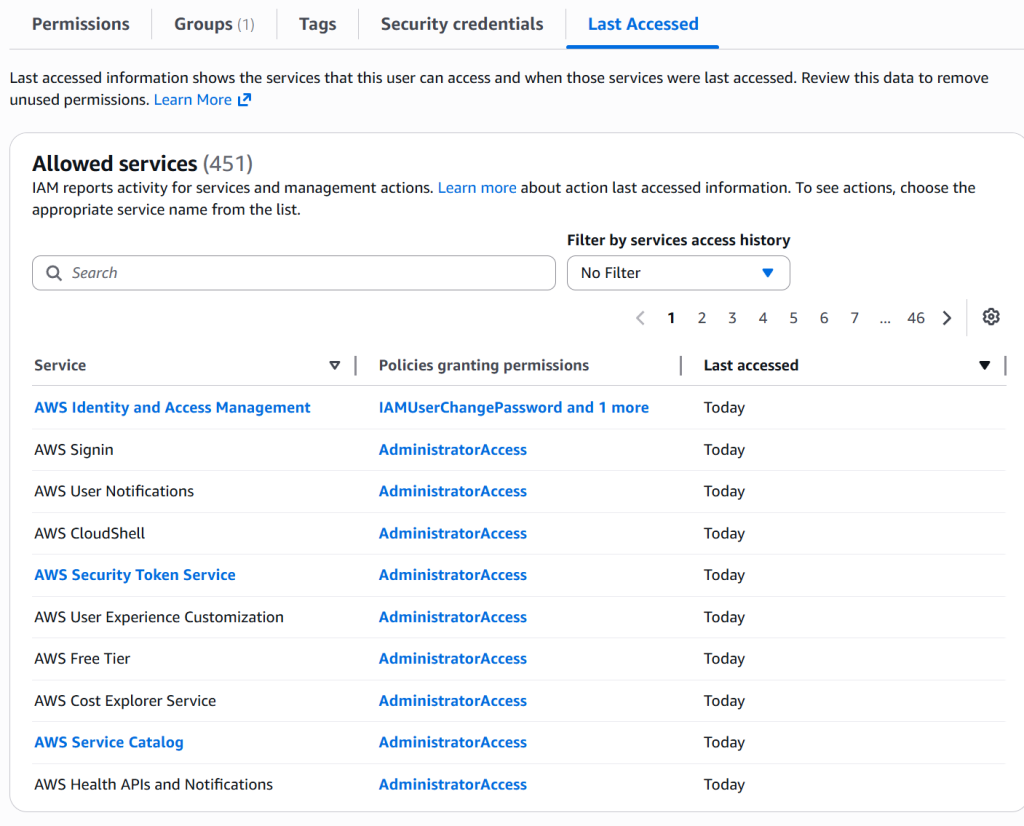
- IAM Access Advisor
It helps identify which AWS services a user, group, or role has actually accessed. This supports the principle of least privilege by allowing administrators to remove unnecessary permissions that are not being used.
Next Step
EC2 Fundamentals. Very excited.
Test message. Thank you!