This morning, I found this page on my tech blog..
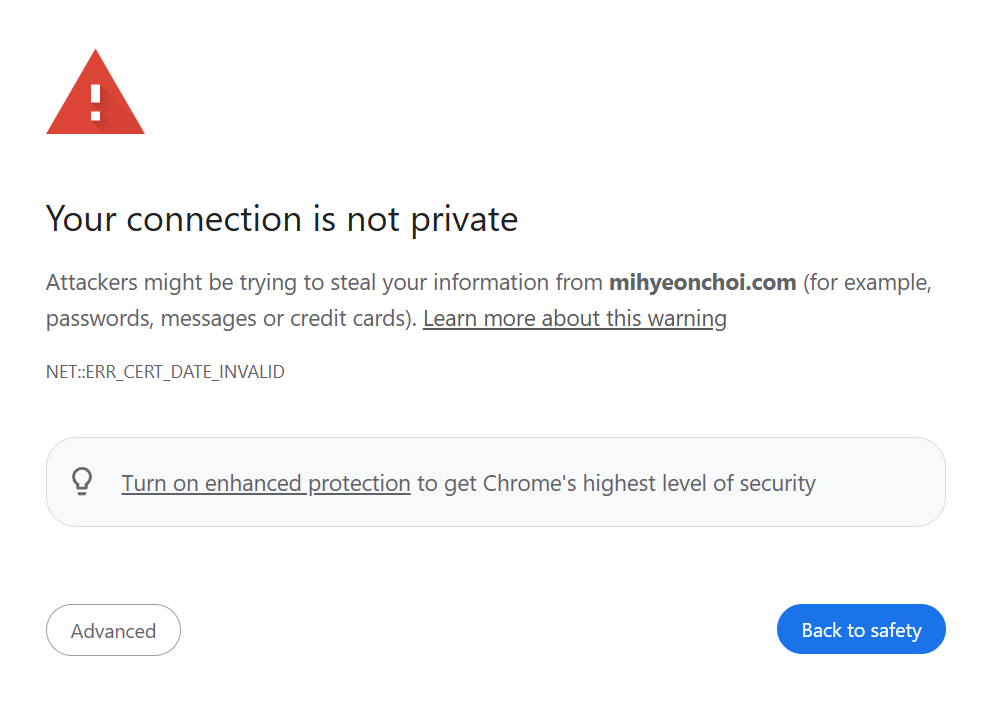
It was a clear sign that my SSL certficate has expired. I am using Let’s Encrypt which is free, and this should renew every 90 days. Seems like automatic renewal process had been stopped.
Step 1: Regaining SSH Access
As you know from the previous post, my Port 22 couldn’t find my desktop’s IP address so that I was not able to access EC2. I am still researching about this issue, but I need to renew the SSL certificate first.
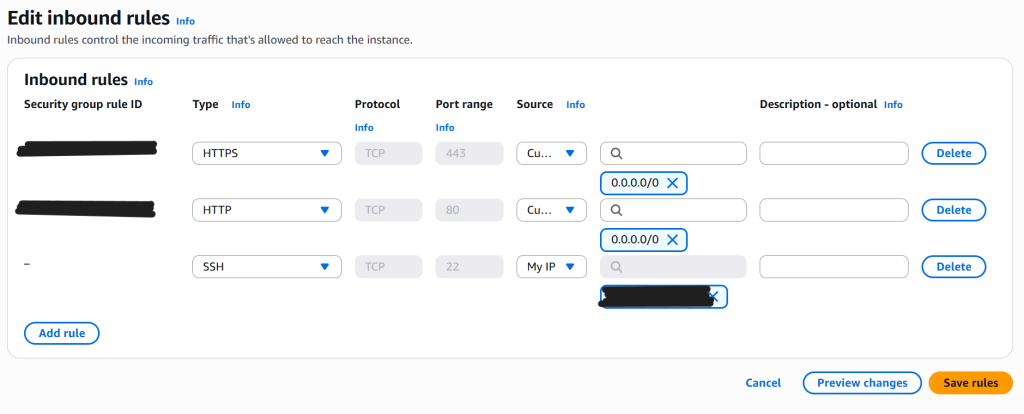
So simply went to the ‘Edit inbound rules’ and change SSH’s source address from ‘My IP’ to ‘Anywhere-IPv4’. I know it is not safe but I need to access EC2 terminal now.
Step 2: Renew Certificate
I am now in the EC2 terminal.
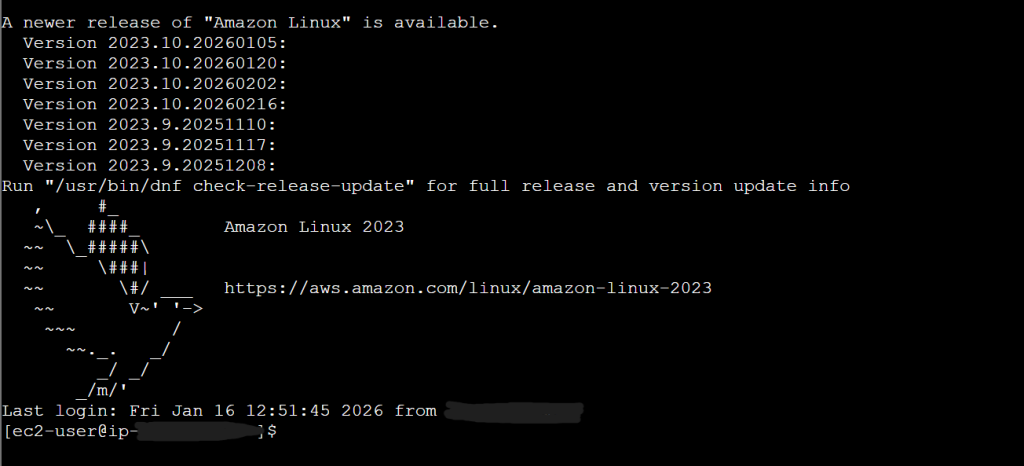
Let’s renew SSH Certificate.
Following command: sudo certbot renew
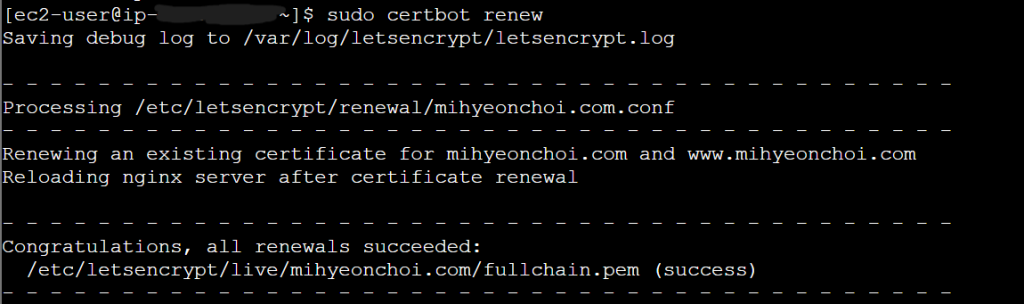
Good! It was easy. Then restart the server and see how it goes.
Following command: sudo systemctl restart nginx
Step 3: Reviewing the Website
I went back to my tech blog, hope it will be fine.
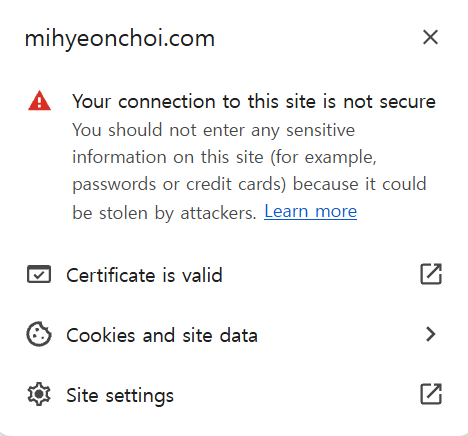
Okay. Why it is still problem? I was thinking it’s because cache issue. So I accessed via Chrome Incognito mode.
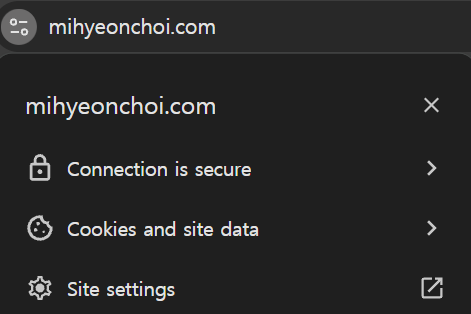
Now it looks perfect. It is not the problem about server or certificate file address settings. This is because the browser stores previous expired certificate information in memory and continues to retrive and use it.
Step 4: Deleting Cache
Simply closing the Google Chrome browser and reopening is the easiest way. But I’d like to do the certain way.
Enter chrome://net-internals/#hsts in the Chrome address.
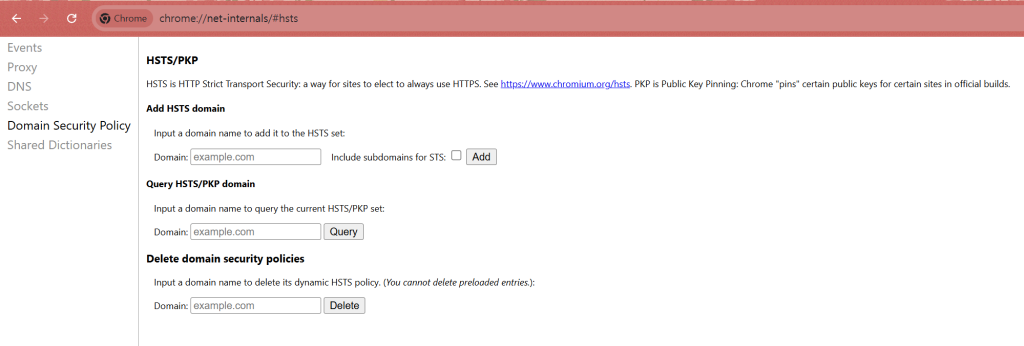
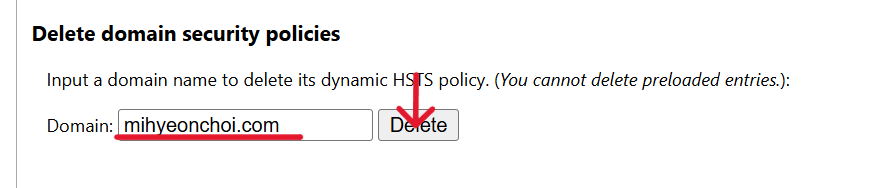
Go to Delete domain security policies, enter mihyeonchoi.com, and click Delete.
Let’s check my blog and see everything is fixed.
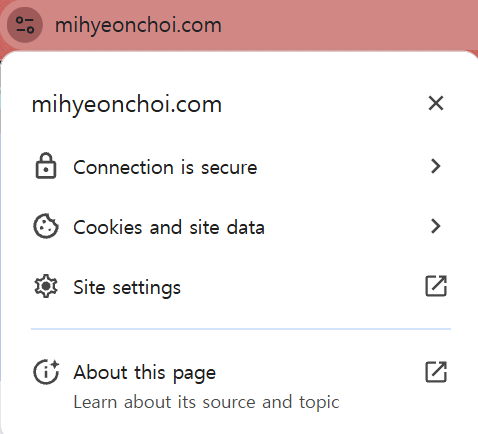
All done!
Step 5: Securing Port 22
Security first! After confirming the site was back up, I went back to the AWS Console and changed the SSH source back from ‘Anywhere-IPv4‘ to ‘My IP’ to protect my server from unauthorized access.
Conclusion
Fixing a site isn’t just about the server, sometimes it’s about understanding how the browser remembers security. I’m glad to have my blog back online!